01
Persistent terminal sessions
Close the browser and come back later. The host-side PTY keeps the process alive and reconnectable.
Control Room turns one machine into a browser-accessible terminal workspace: persistent PTYs, multi-pane sessions, reconnect, workspaces, and mobile controls—without turning the terminal into a control-plane platform.
The terminal is already the universal interface for developer tools. Control Room does not replace it—it makes terminal sessions easier to keep alive, organize, and reconnect to from the devices you already use.
Close the browser ≠ kill the process.
Every surface exists to improve creating, organizing, reconnecting to, or interacting with terminal sessions.
Close the browser and come back later. The host-side PTY keeps the process alive and reconnectable.
Group shells by context, switch between focused and grid layouts, and keep many live sessions organized.
Reconnect buffers, stream state, terminal history, and restore flows are designed around interrupted browser sessions.
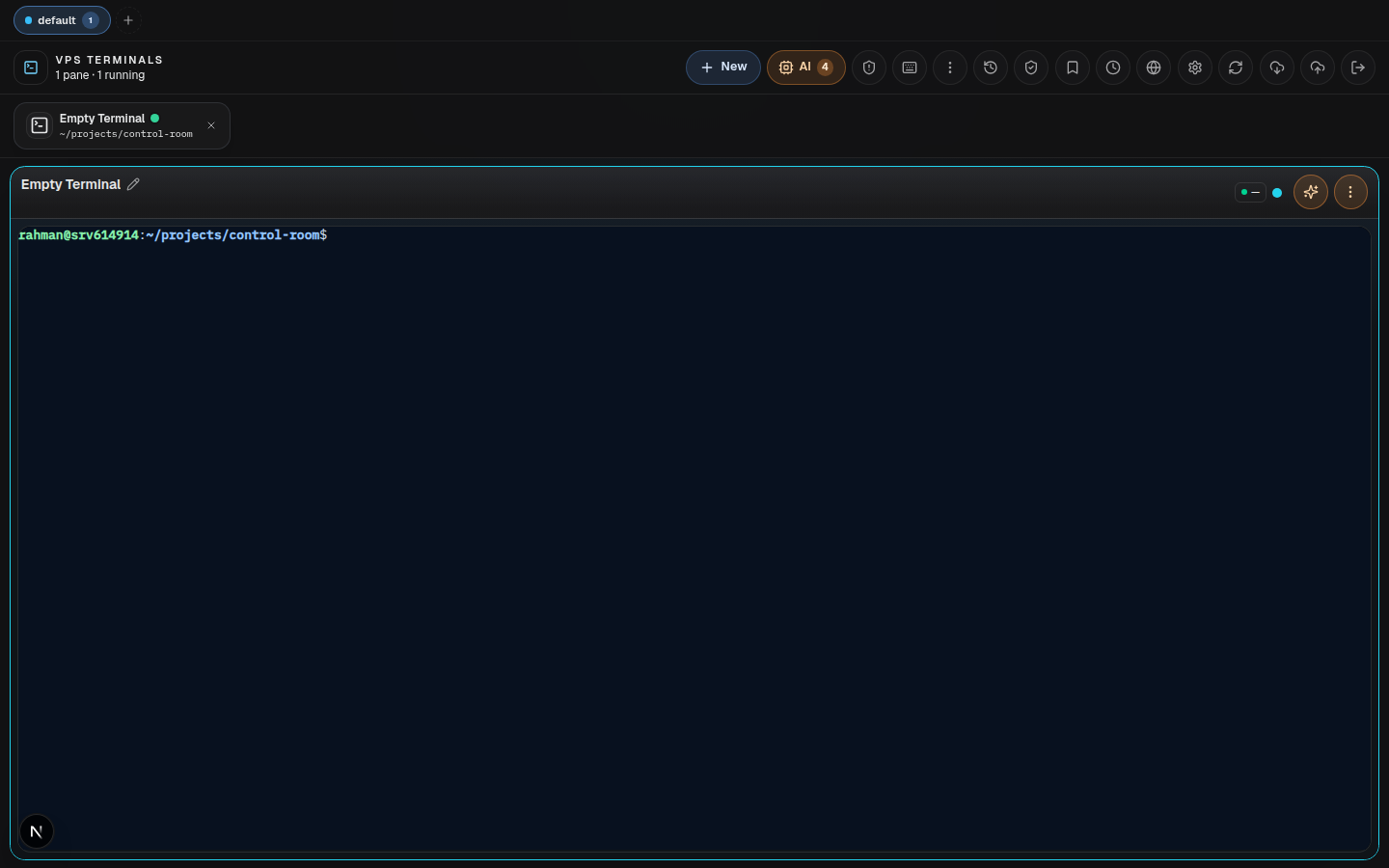
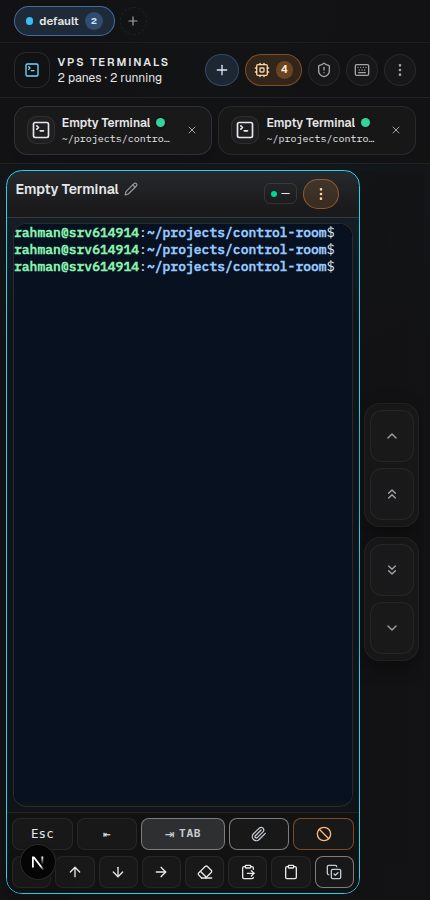
Dense desktop app chrome, safe-area-aware mobile layouts, soft terminal keys, fullscreen, and PWA installation.
Shell, SSH, Codex, Claude, Gemini, OpenClaw, or any normal CLI remain terminal processes—not a parallel orchestration layer.
The browser talks to SvelteKit; privileged PTY operations stay in a loopback-bound Node host agent.
Browser JavaScript never owns the privileged host secret. SvelteKit authenticates and bridges requests; the host agent stays loopback-bound and owns PTY operations.
Responsive terminal UI · HTTPS · SSE
Auth boundary · server-side proxy · stream bridge
Loopback-only · PTY lifecycle · bounded host helpers
Shell · SSH · AI CLI · any terminal process
One terminal product, two interaction densities—without maintaining a second UI architecture.
Control Room deliberately stops before becoming a generic operations dashboard.
Keep the terminal. Upgrade the way you attach to it.